
Build custom business applications in days, not months — without writing a single line of complex code. Low-code apps that connect to all your data and automate your workflows.
Microsoft Power Apps is a low-code application development platform that lets you build browser and mobile applications that connect directly to your data in Microsoft 365, Dynamics 365, SharePoint, Dataverse, and hundreds of other connectors.
Applications that previously took a development team months to build can now be delivered in days or weeks. Our Power Apps specialists work with you to design, build, test, and deploy apps that digitize paper forms, automate approvals, and replace manual spreadsheet-based processes.
From a field inspection app to a procurement portal to an employee onboarding wizard — Power Apps can handle it, and our team builds it right.
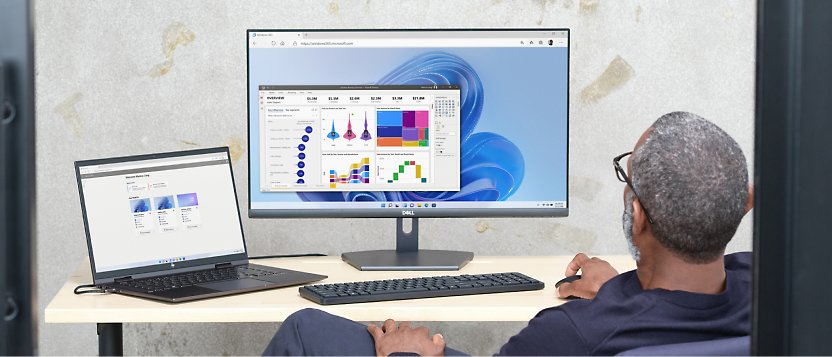
Build fully functional business apps through Power Apps' intuitive drag-and-drop canvas studio — connecting to all your data with no complex code required.


Digitize leave requests, expense approvals, and purchase order approvals with automated notifications.
Mobile apps for site inspections, audits, and maintenance logs — works offline too.
Real-time inventory counts, barcode scanning, and reorder alerts synced to your ERP.
Guide new hires through onboarding checklists, document submission, and IT setup requests.
Snap receipts, submit expenses, and route for manager approval — all from your phone.
Give clients a portal to raise support tickets, track orders, or view invoices — branded to your company.
Tell us about your manual process or paper-based workflow and we'll show you how a Power App can eliminate it — usually in 2–4 weeks.